


World’s #1 Powerful PDF Editor


Always enjoy the latest technology from the most collaborative, work-from-anywhere-anytime PDF tool available on any device.
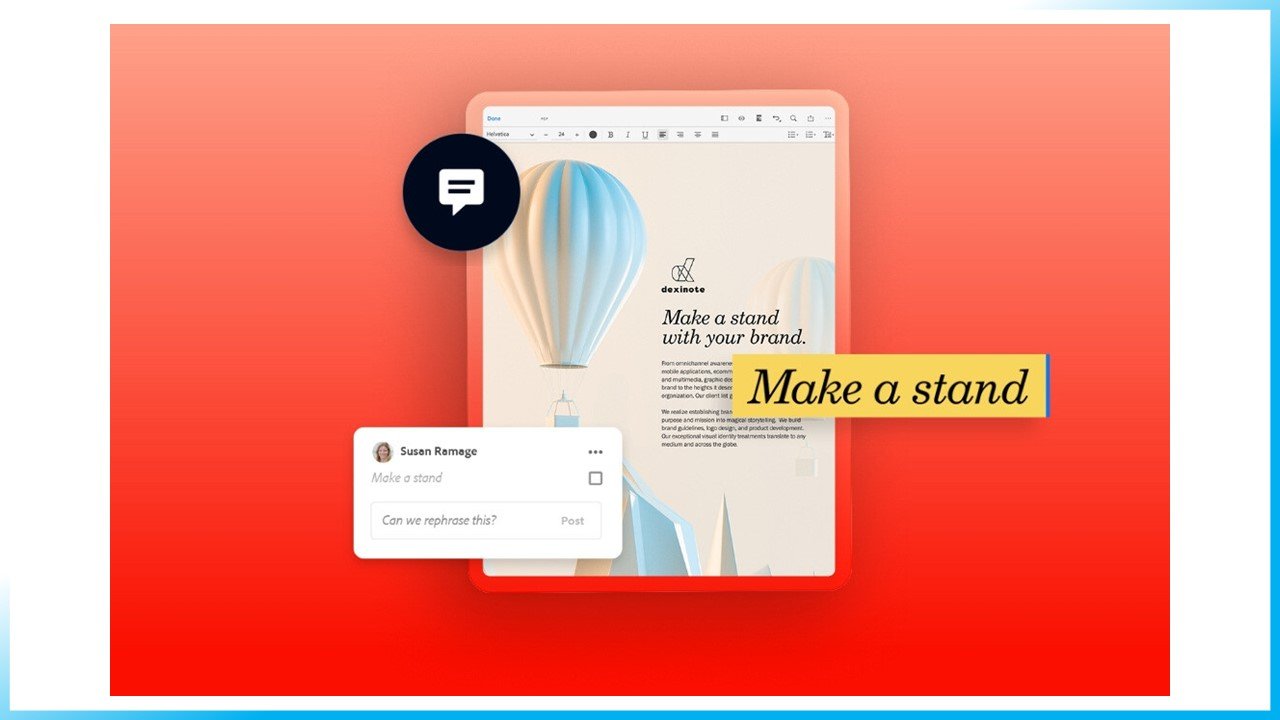
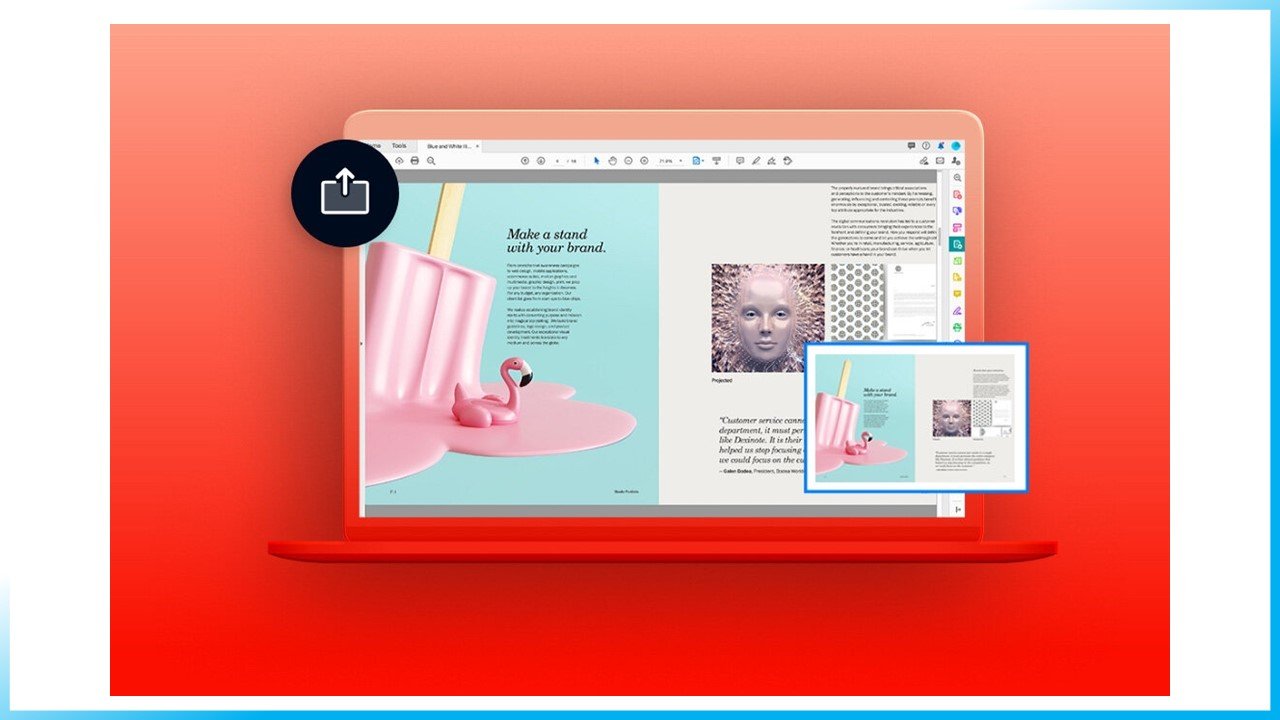
No matter where your day takes you or what device you’re on, keep the collaboration going. With Acrobat you can easily share PDFs to be viewed, reviewed, and signed, and even track their progress — from any device and any location. Recipients get an email with a link to your PDF. They just click to open, view, and comment.
PRODUCTIVITY ON THE GO
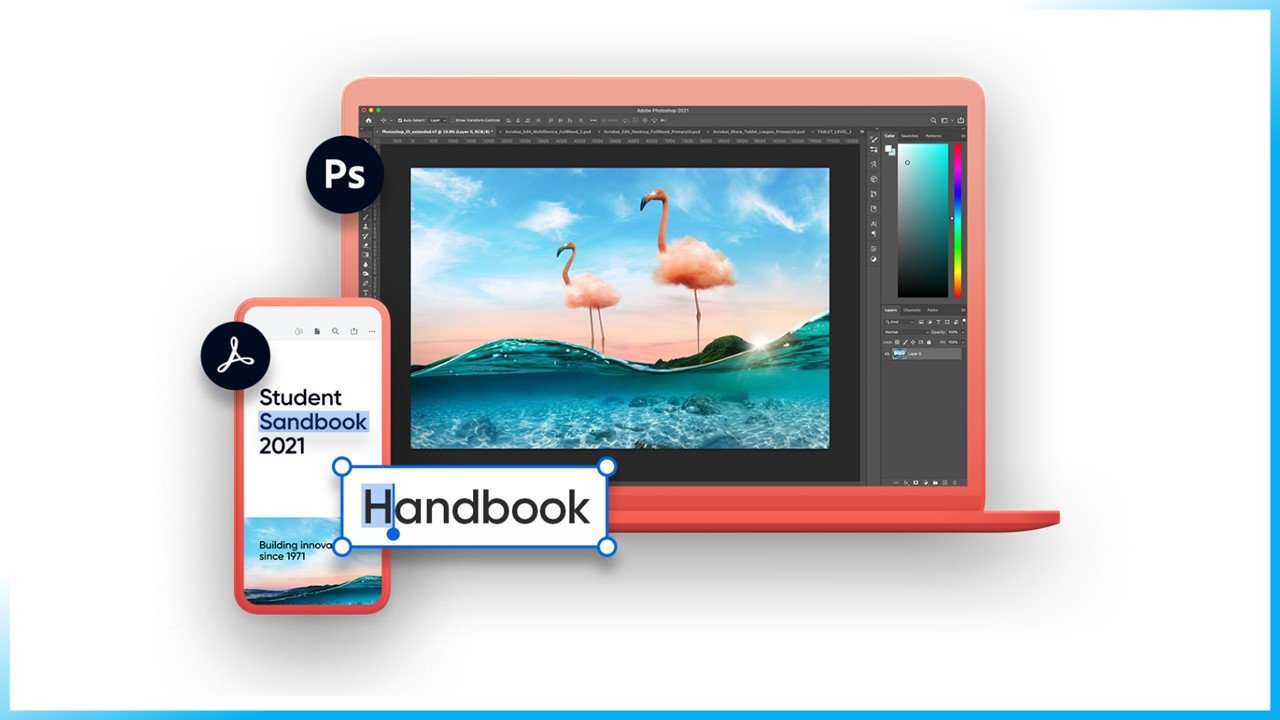
Turn your mobile device into a serious PDF tool. The best mobile PDF viewing app just got better with Liquid Mode. Edit, create, export, organize, and combine files right from your tablet or mobile phone.
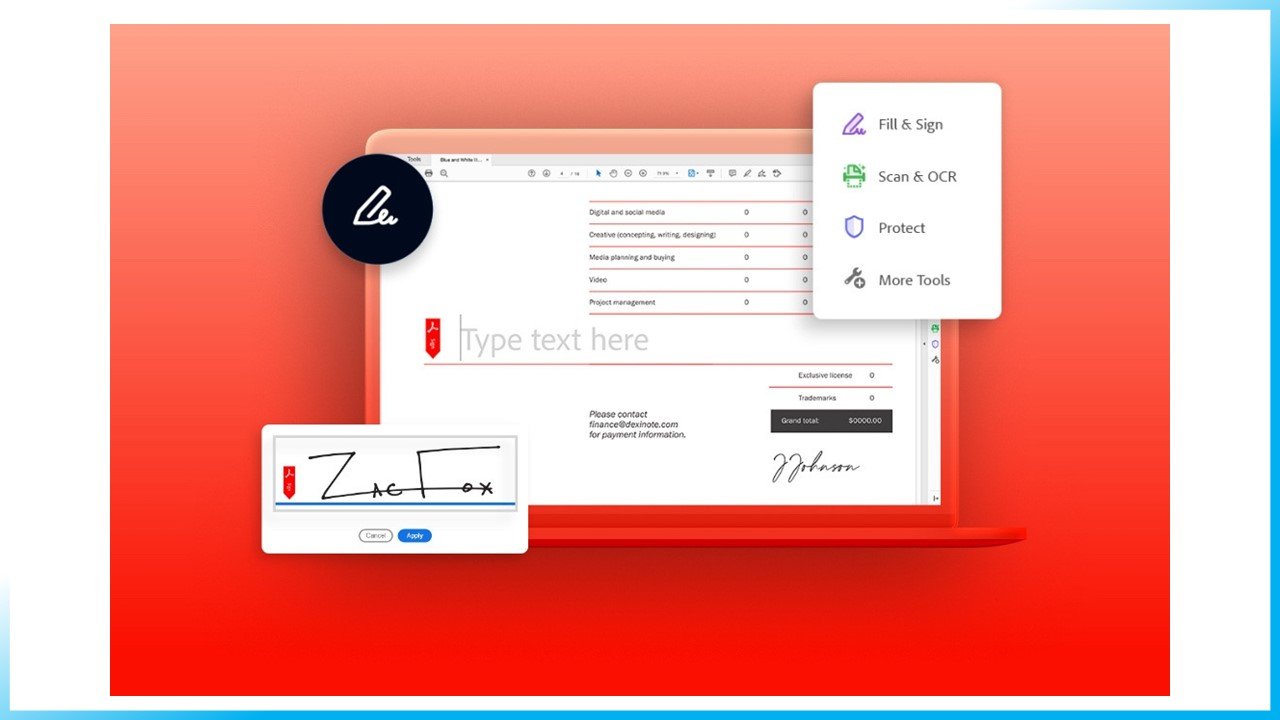
Leave the pen behind and sign electronically.
ADOBE ACROBAT FEATURES AND TOOLS
Keep business moving with Adobe Acrobat. Start a free trial to try it for yourself or learn about all the features below.
Edit Stay productive with tools that make it easy to edit text and images inside your PDF from anywhere. Edit PDF Edit text and images in your PDF. Add Comments Add notes, highlights, and other annotations. Compress PDF Reduce the size of your PDF for easier sharing. Recognize Text Make scanned text editable through OCR. Combine Files Merge multiple files into one PDF. | Create Easily create a PDF out of almost any file type — including Microsoft files, Google documents and images. Convert to PDF Turn almost any file into a PDF. Word to PDF Convert Microsoft Word files to PDF. PPT to PDF Convert Microsoft PowerPoint files to PDF. Excel to PDF Convert Microsoft Excel files to PDF. JPG to PDF Convert JPG, PNG, and other images to PDF. HTML to PDF Convert web pages to PDF. Print to PDF Turn any file into a PDF using the Print dialog box. | Export Quickly export your PDF to different file types, including Microsoft documents and image files. PDF to Word Convert PDFs to Microsoft Word files. PDF to PPT Convert PDFs to Microsoft PowerPoint files. PDF to Excel Convert PDFs to Microsoft Excel files. PDF to JPG Convert PDFs to JPG, PNG, or TIFF files. | Sign Acrobat is the quick, secure, reliable way to fill out and sign electronic forms. Request Signatures Send a document to others for signing. Fill & Sign Complete a form and add your signature. Prepare a Form Turn existing forms and scans into fillable PDF forms. Organize Delete Pages Remove pages from your PDF. Reorder Pages Rearrange pages in your PDF. Extract PDF Pages Create a new PDF of selected pages. Insert PDF Pages Add pages to your PDF file. Crop Pages Trim the outer edges of page content. | Share & Protect Increase collaboration by sharing your PDF — and keep it safe with smart file protection features. Share Send a file to others for commenting or viewing. Send for Comments Collect feedback fast from multiple people in one file. Protect PDF Prevent others from copying, editing, or printing your PDF content. Unlock Remove passwords from protected PDFs. Compare Files Compare two PDFs to quickly spot differences. Mobile Apps Adobe Acrobat Reader Get the free mobile app to comment on and share PDFs on the go. Adobe Scan Scan documents, receipts, whiteboards, and more to PDF. |
Adobe Acrobat DC PDF software | Adobe Acrobat
Compare Versions of Adobe Acrobat.
Acrobat Pro includes Adobe Document Cloud services. Now it’s easy to access the PDF tools and files you need — from anywhere.
Plans and pricing
| Acrobat Pro 2017 | Acrobat Pro 2020 | BEST OPTION Acrobat Pro DC | |
| Compatible with | Desktop software only IE 11; Firefox (ESR); or Chrome Windows 7 or higher | Desktop software only IE 11; Firefox (ESR); or Chrome Windows 8 or higher, or Mac OS v10.13, or higher | Integrated desktop, mobile and online access Microsoft Windows 7, 8, and 10 or Mac OS X v10.9, and v10.0 |
| Interact with PDFs | |||
| View, interact, and comment on PDF content from your computer, mobile device, or web browser | ● | ||
| Store, manage, and share files online with instant access to files across devices | ● | ● | ● |
| Track activity across desktop, mobile, and web for agreements sent for signing | ● | ||
| Access, edit, and store in your Google Drive, and accounts | ● | ● | ● |
| Be more productive on the latest Windows touch-enabled devices including Surface Pro | ● | ||
| Open PDFs are protected by Microsoft Information Protection solutions, including Azure Information Protection and Microsoft 365. | ● | ● | |
| Take advantage of MacBook Pro Touch bar support | ● | ||
| Compare two versions of a PDF to review all differences | ● | ● | ● |
| Measure the distance, area, and perimeter of objects in PDFs | ● | ● | ● |
| Manage, organize, and search for PDFs from a single place in Home view | ● | ● | |
| Create PDFs | |||
| Convert documents and images to PDF files | ● | ● | ● |
| Create PDFs from any application that prints | ● | ● | ● |
| Create, protect, and send PDFs in popular Microsoft 365 apps for Windows | ● | ● | ● |
| Combine multiple documents and file types into one PDF file | ● | ● | ● |
| Convert web pages to interactive PDFs, complete with links | ● | ● | ● |
| Prevent others from copying or editing information in PDFs | ● | ● | ● |
| Create a password-protected PDF | ● | ● | ● |
| Recognize text in scans, and then preview and correct suspect errors with a side-by-side view | ● | ● | ● |
| Automatically fix photos of documents to remove backgrounds and adjust perspective | ● | ● | ● |
| Turn Adobe Photoshop (PSD), Illustrator (AI), or InDesign (INDD) files into PDFs from your desktop or mobile device | ● | ● | ● |
| Create and export PDFs on your mobile device | ● | ||
| Turn scanned paper documents into instantly searchable and editable PDFs with fonts that match the original | ● | ● | ● |
| Use one-click creation of rich PDFs and other Acrobat features within Microsoft 365 | ● | ||
| Prepare PDFs consistently with guided actions | ● | ● | ● |
| Convert and validate PDFs for compliance with ISO standards like PDF/A and PDF/X | ● | ● | ● |
| Create technical PDFs in Microsoft Project, Visio, or Autodesk AutoCAD | ● | ● | ● |
| Create and validate PDFs to meet accessibility standards for people with disabilities | ● | ● | ● |
| Edit PDFs | |||
| Edit PDF text and images with full-page paragraph reflow | ● | ● | ● |
| Turn PDFs into editable Microsoft Word, Excel, or PowerPoint files | ● | ● | ● |
| Convert PDFs to JPEG, TIFF, or PNG image formats | ● | ● | ● |
| Insert, delete, rotate, and reorder pages in a PDF | ● | ● | ● |
| Split a PDF by extracting one or multiple pages | ● | ● | ● |
| Add bookmarks, headers, numbering, and watermarks | ● | ● | ● |
| Permanently remove hidden sensitive information in PDFs | ● | ● | ● |
| Redact to permanently remove visible information in PDFs | ● | ● | ● |
| Add audio, video, and interactive objects to PDFs | ● | ● | ● |
| Add Bates numbering to legal documents | ● | ● | ● |
| Add or edit text and images on your tablet and mobile phone | ● | ||
| Reorder, delete, or rotate PDF pages on your iOS or Android device | ● | ||
| Share and sign | |||
| Share links of PDFs for viewing, reviewing, and signatures | ● | ||
| Get real-time status and activity notifications for documents sent for viewing, comments, or signature | ● | ||
| Collect group feedback in one PDF file with no reviewer login required | ● | ||
| Add comments to PDFs with a full suite of commenting tools including text editing, highlighter, and sticky notes | ● | ● | ● |
| Collect legally bindinge-signatures from others and track responses in real time | ● | ● | ● |
| Digitally sign, certify, and verify documents | ● | ● | ● |
| Fill, sign, and send forms faster using data from your autofill collection on your computer or mobile device | ● | ||
| Turn paper or Word docs into fillable PDF forms | ● | ● | ● |
| Choose comments and export to Word | ● | ● | ● |
| Mark PDFs with stamps, such as “approved” or “draft” | ● | ● | ● |
| Enhance PDF forms by adding interactivity with JavaScript | ● | ||
| Automatically optimize PDFs to reduce file size and customize settings | ● | ● | ● |
| Preflight and prepare files for high-end print production | ● | ● | ● |
The main function of Adobe Acrobat is creating, viewing, and editing PDF documents. It can import popular document and image formats and save them as PDF.
Keep projects moving from anywhere.
No matter where you are or what device you’re on, keep the collaboration going.
Easy reviewing Make document reviews seamless.
They just click to open, view, and comment. Productivity anywhere Make your mobile device a serious PDF tool. Edit, create, export, organize, and combine files right from your tablet or mobile phone. Forms and signatures Leave the pen behind and sign electronically.
Easily fill and sign PDF forms from anywhere and on any device.
#Adobe, #Adobe Acrobat, Adobe Acrobat Pro, #Adobe Acrobat Pro Dc, #PDF, #PDF Editor, #PDF Reader.
Thank you for your sharing. I am worried that I lack creative ideas. It is your article that makes me full of hope. Thank you. But, I have a question, can you help me?
Good mood and good luck to everyone!!!!!
Hey people!!!!!
Good mood and good luck to everyone!!!!!
We are a large team of pentesters and we know how to cash out your company’s DATA. Yours 80% from the deal (from 10k$-200k$). Everything is absolutely safe and anonymous for the company employee.
Your point of view caught my eye and was very interesting. Thanks. I have a question for you.
Thank you for your sharing. I am worried that I lack creative ideas. It is your article that makes me full of hope. Thank you. But, I have a question, can you help me?
Your point of view caught my eye and was very interesting. Thanks. I have a question for you.
Thanks for sharing. I read many of your blog posts, cool, your blog is very good.
Thanks for sharing. I read many of your blog posts, cool, your blog is very good.
Looking for secure social media accounts? SellAccs.net offers premium PVA accounts that are created using diverse IPs, ensuring safe and reliable access to your platforms.
Addressing the
limitations of centralized networks in terms of censorship, data
integrity, and sequestration.
Sup, homie? Great to catch up with you, girl. Hi there! I found your website to be very insightful and well-designed. Your commitment to eco-friendly practices is admirable.