

How Does Windows 11 Pro Improve Remote Work Efficiency?

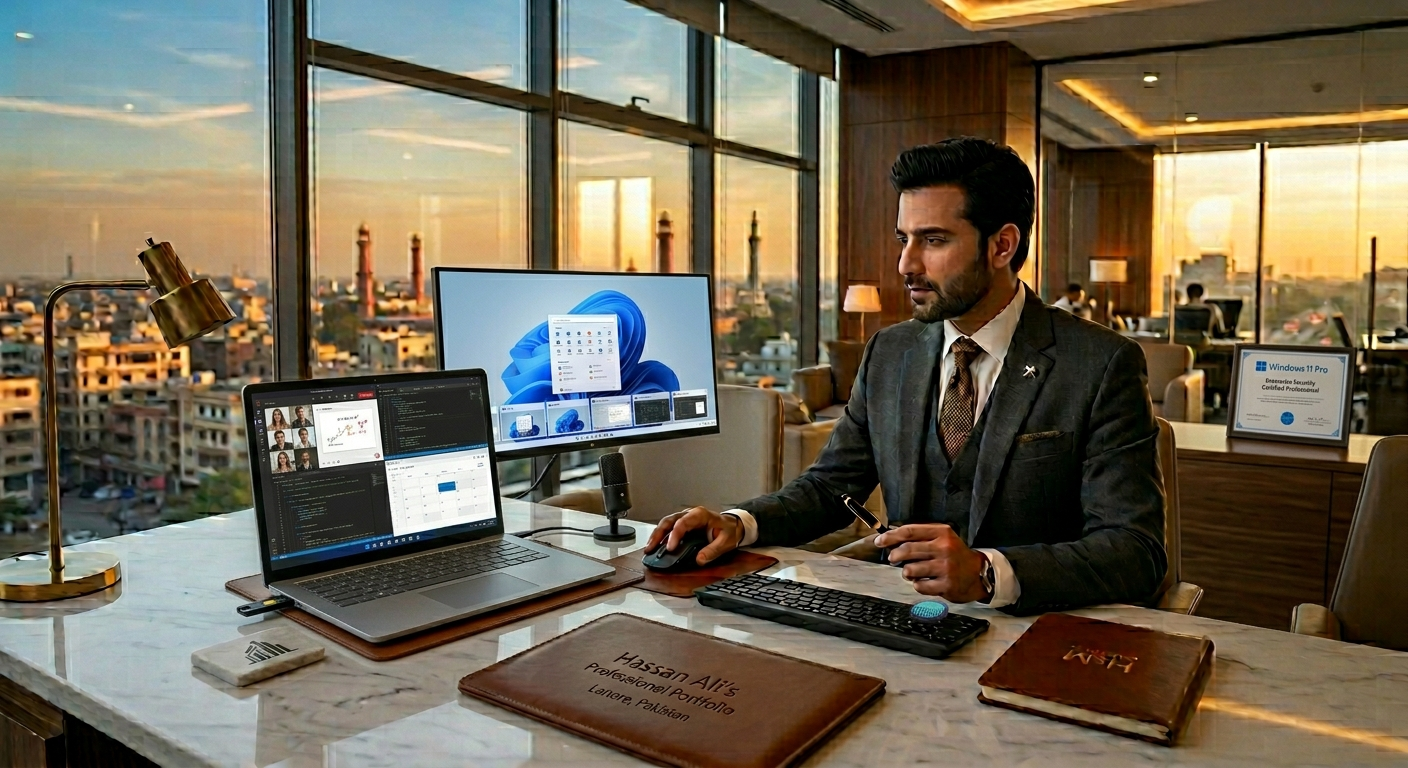
In today’s fast-paced digital world, remote work has become more than just a trend, it’s a necessity. Professionals in Pakistan and around the globe are looking for solutions that help them stay productive, secure, and connected while working from home. Windows 11 Pro has emerged as a reliable platform for this purpose, offering tools and features specifically designed to enhance efficiency for remote workers.
Whether you are a freelancer, corporate employee, or entrepreneur, understanding how this professional Windows edition can transform your workflow is key to maximizing productivity.
Why Remote Work Needs the Right Operating System
Remote work is not just about having a laptop at home. It involves managing files securely, collaborating with colleagues, using productivity tools seamlessly, and ensuring your data is safe. A professional OS like Windows 11 Pro provides an environment that meets these needs efficiently.
Here’s why the operating system matters:
- Performance Stability: Slow systems or frequent crashes can disrupt workflow.
- Enhanced Security: Remote work increases exposure to cyber threats.
- Seamless Collaboration: Sharing files and attending online meetings should be effortless.
Key Features of Windows 11 Pro That Boost Remote Work Efficiency
1. Advanced Security for Peace of Mind
Windows 11 Pro comes with built-in security features that protect sensitive business data:
- BitLocker Encryption: Ensures that confidential files remain safe even if your device is lost.
- Windows Defender: Offers real-time threat detection to prevent malware attacks.
- Secure Boot: Protects your system from unauthorized software during startup.
These features are particularly useful for freelancers and businesses handling client data or financial information.
2. Improved Multitasking with Snap Layouts
Working from home often involves juggling multiple apps, browser tabs, and documents. Windows 11 Pro introduces Snap Layouts, a feature that helps organize windows efficiently on your screen.
- Arrange multiple apps side by side
- Switch between projects quickly
- Reduce time wasted searching for open windows
This feature alone can save hours every week and increase productivity.
3. Virtual Desktops for Organized Workflows
Virtual desktops allow you to separate tasks efficiently:
- Work Desktop: For professional apps and meetings
- Personal Desktop: For email and non-work activities
- Project-Specific Desktop: For client-focused tasks
With virtual desktops, you can switch contexts quickly without cluttering your main workspace, which is ideal for remote workers balancing multiple clients or projects.
4. Microsoft Teams Integration
Collaboration is critical for remote teams. Windows 11 Pro integrates Microsoft Teams directly into the taskbar, making it easier to:
- Start or join video calls instantly
- Share files seamlessly
- Chat with colleagues without extra apps
For Pakistani professionals, this integration reduces the need for third-party communication tools, streamlining day-to-day collaboration.
5. Faster Updates and Long-Term Support
One common issue with remote work is system downtime due to updates. Windows 11 Pro provides:
- Automatic updates in the background
- Minimal interruptions during work hours
- Long-term support for businesses, ensuring stability
This reduces the chances of losing work or productivity during essential tasks.
How Windows 11 Pro Supports Remote Work in Pakistan
Working remotely in Pakistan comes with unique challenges like intermittent internet connectivity, varied hardware, and data privacy concerns. Windows 11 Pro addresses these with:
- Cloud Integration: With OneDrive, files are automatically synced and accessible anywhere.
- Performance Optimization: Works well on laptops with limited specs, important for small businesses.
- Language and Regional Support: Windows 11 Pro supports local language packs and regional settings, helping employees feel comfortable.
Benefits of Upgrading from Windows 10 or Home Edition
Many professionals hesitate to switch from Windows 10 or Home editions. Here’s why Windows 11 Pro is worth the upgrade:
- Better Security: Advanced encryption and threat protection
- Productivity Tools: Snap Layouts, Virtual Desktops, and Teams integration
- Business Features: Remote Desktop access and Group Policy management
- Regular Updates: Enhanced system performance and reliability
Upgrading ensures that your system can handle modern workflows efficiently.
Final Thoughts
Remote work efficiency is no longer optional; it’s essential for professionals, freelancers, and businesses in Pakistan. Windows 11 Pro provides an advanced, secure, and user-friendly environment that enhances productivity, collaboration, and overall workflow.
From multitasking features like Snap Layouts and Virtual Desktops to built-in Microsoft Teams integration, it is tailored to the needs of modern remote workers. Investing in Windows 11 Pro is not just upgrading your operating system—it’s upgrading your entire work experience.
Frequently Asked Questions (FAQs)
1. Is Windows 11 Pro suitable for small businesses in Pakistan?
Yes, its security features, remote desktop capabilities, and collaboration tools make it ideal for small businesses.
2. Can I use Windows 11 Pro on older laptops?
Windows 11 Pro is optimized for both new and moderately older devices, though minimum hardware requirements apply.
3. Does Windows 11 Pro improve internet-based collaboration?
Absolutely. Built-in Teams integration and cloud file sharing streamline communication and project management.
4. Is Windows 11 Pro better than Windows 11 Home for remote work?
Yes, Pro edition includes advanced security, Remote Desktop, and management features that Home edition lacks.
5. How do I buy genuine Windows 11 Pro in Pakistan?
You can purchase directly from authorized resellers to ensure legal, genuine software with proper support.